muhiddin@grimoire:~$ cat ./apps/wifile/README.md
Wifile_
Tools · Android · iOS
Offline file transfer.
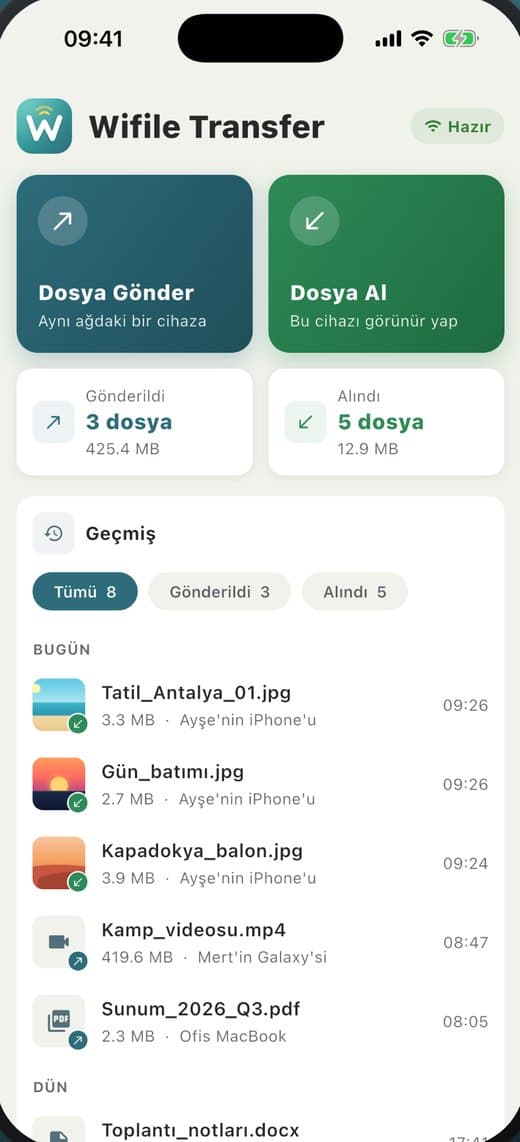
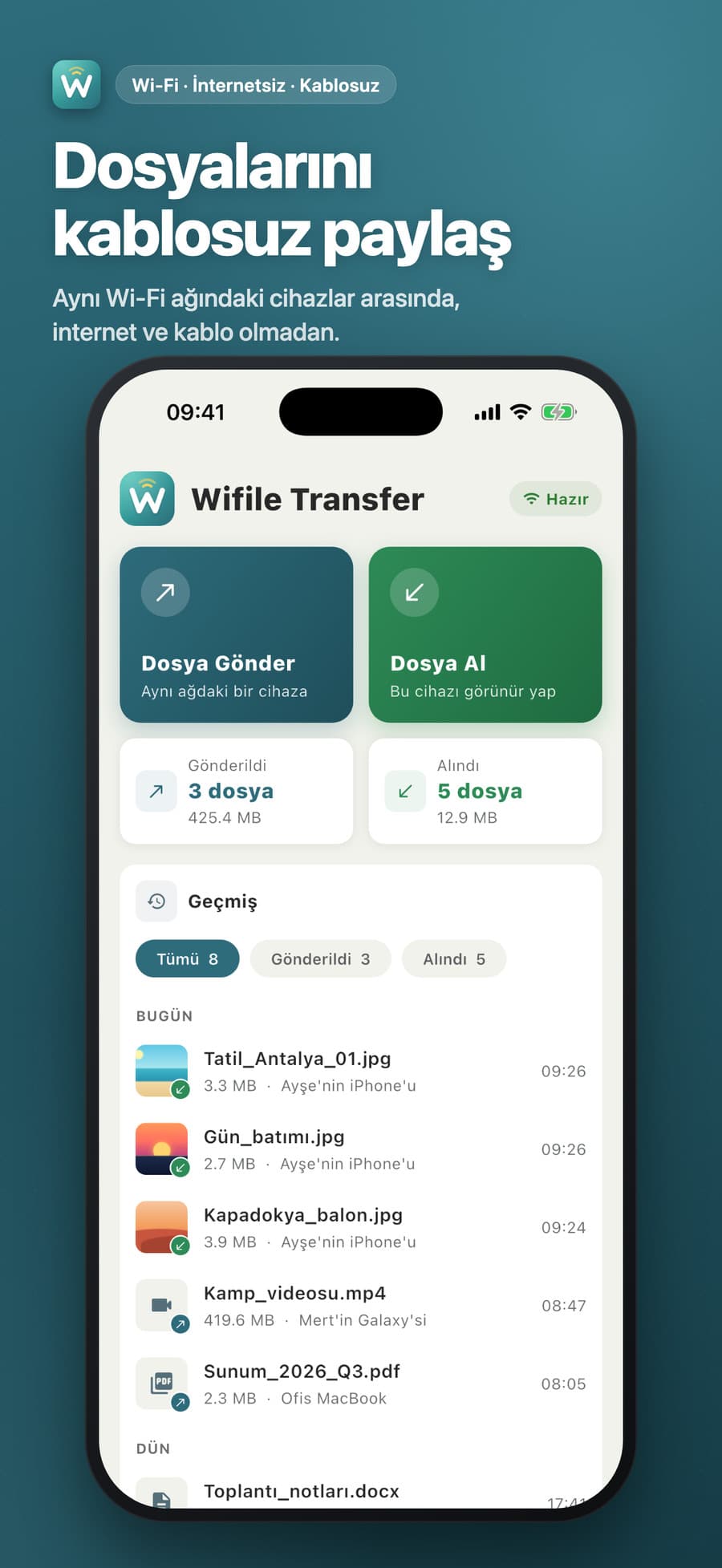
A peer-to-peer file transfer tool for devices on the same Wi-Fi network. It discovers nearby devices automatically, and files move without an internet connection or any server in between.
## how it works
- 01
Open Receive
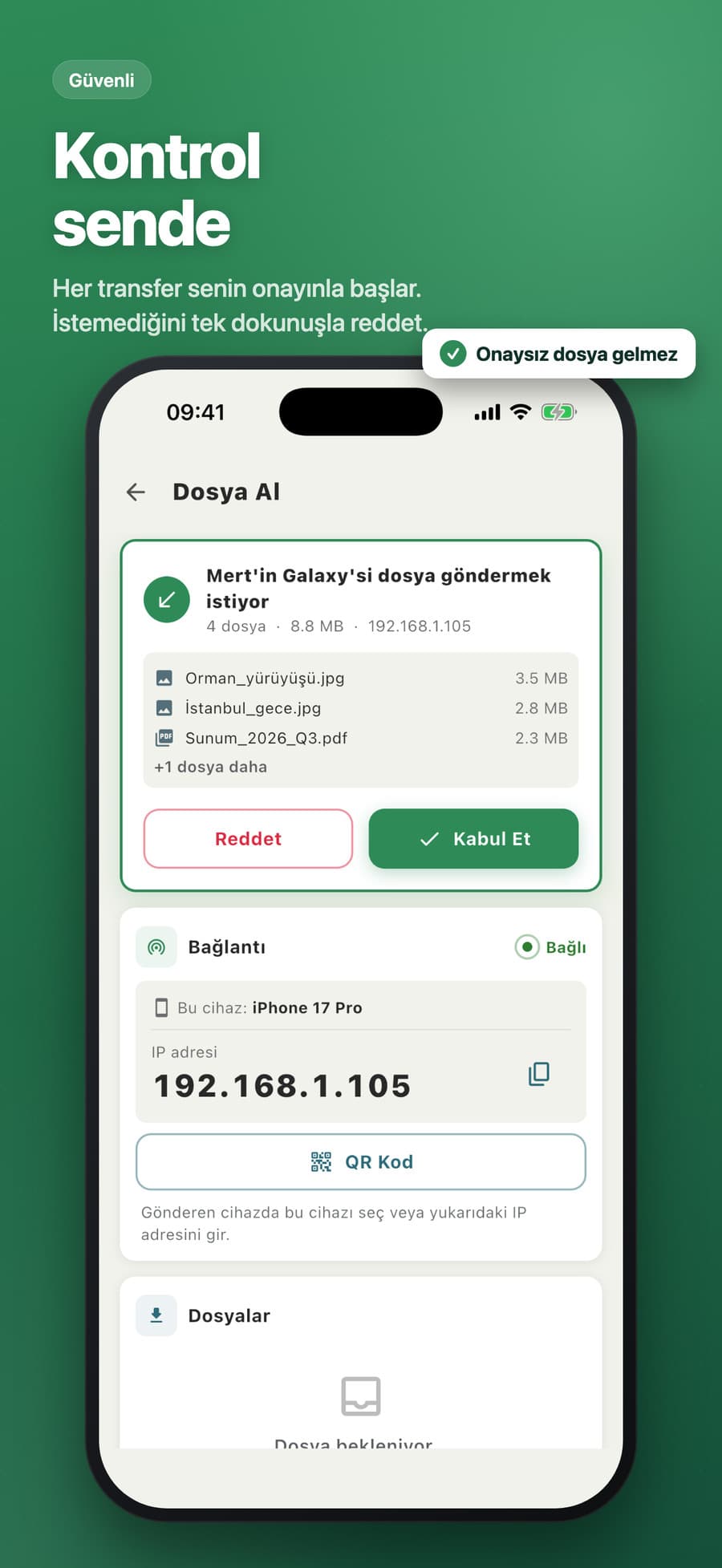
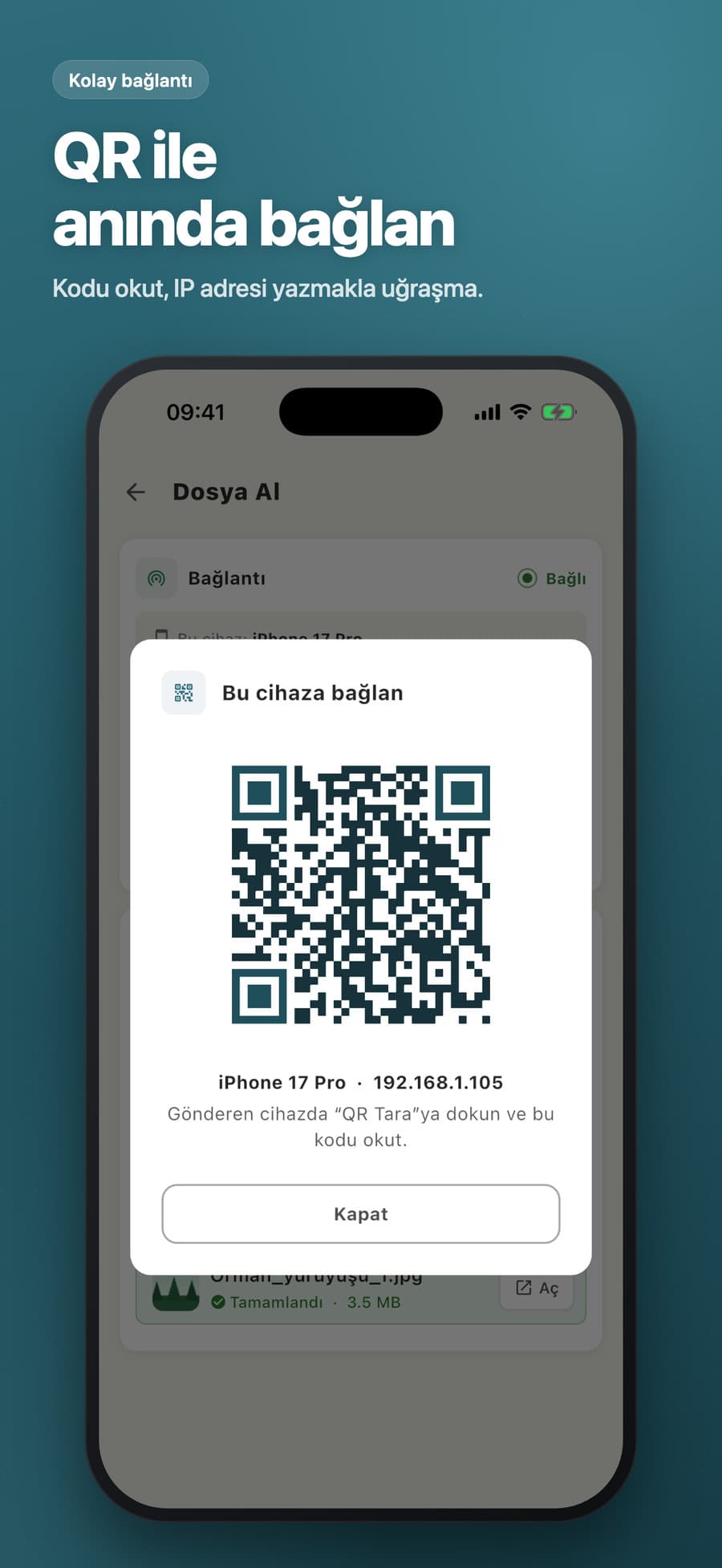
The receiver advertises itself on the local network and shows its name, IP and a QR code.
- 02
Find the device
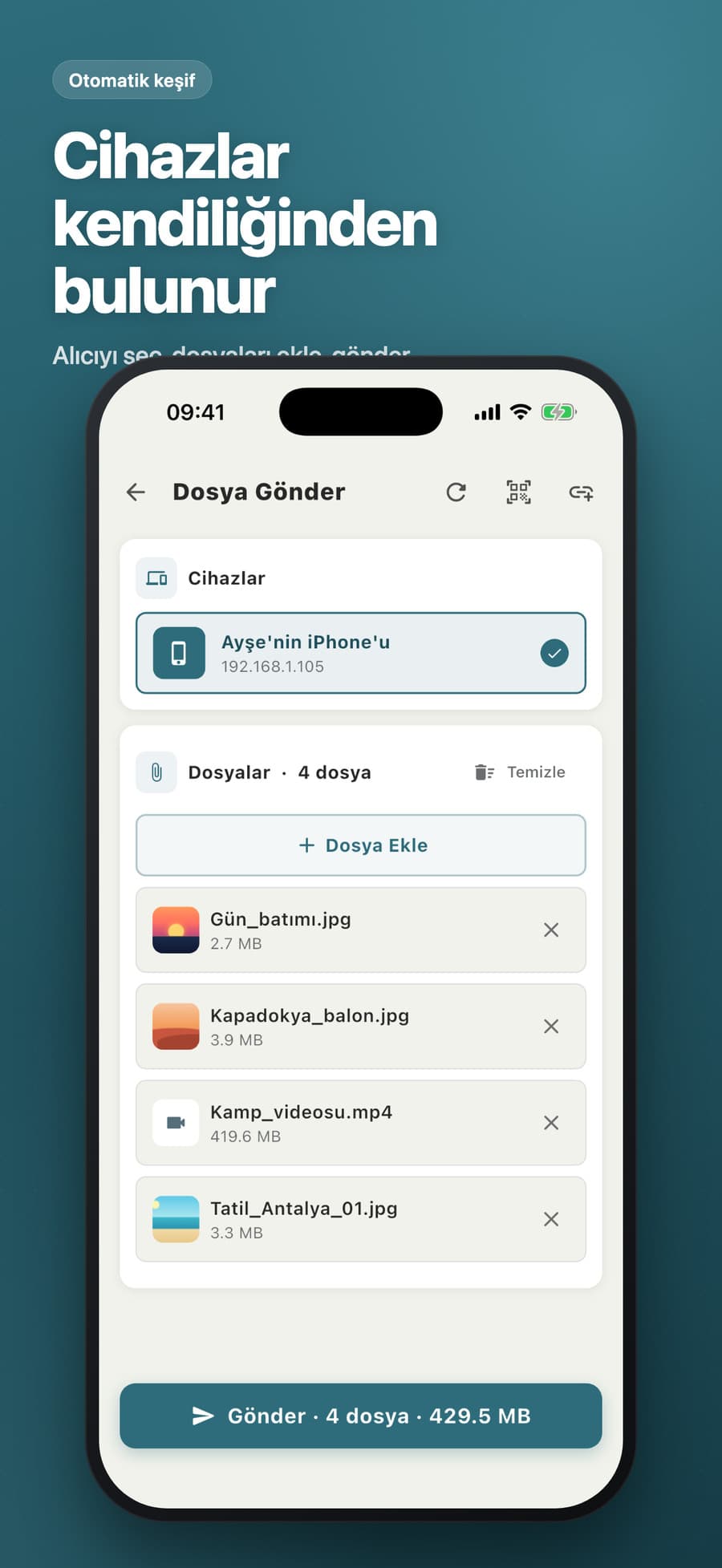
The sender discovers receivers automatically, or you scan the QR code or add the IP by hand.
- 03
Accept the offer
The receiver sees the sender’s name, file count and total size, then accepts or rejects.
- 04
Files stream over
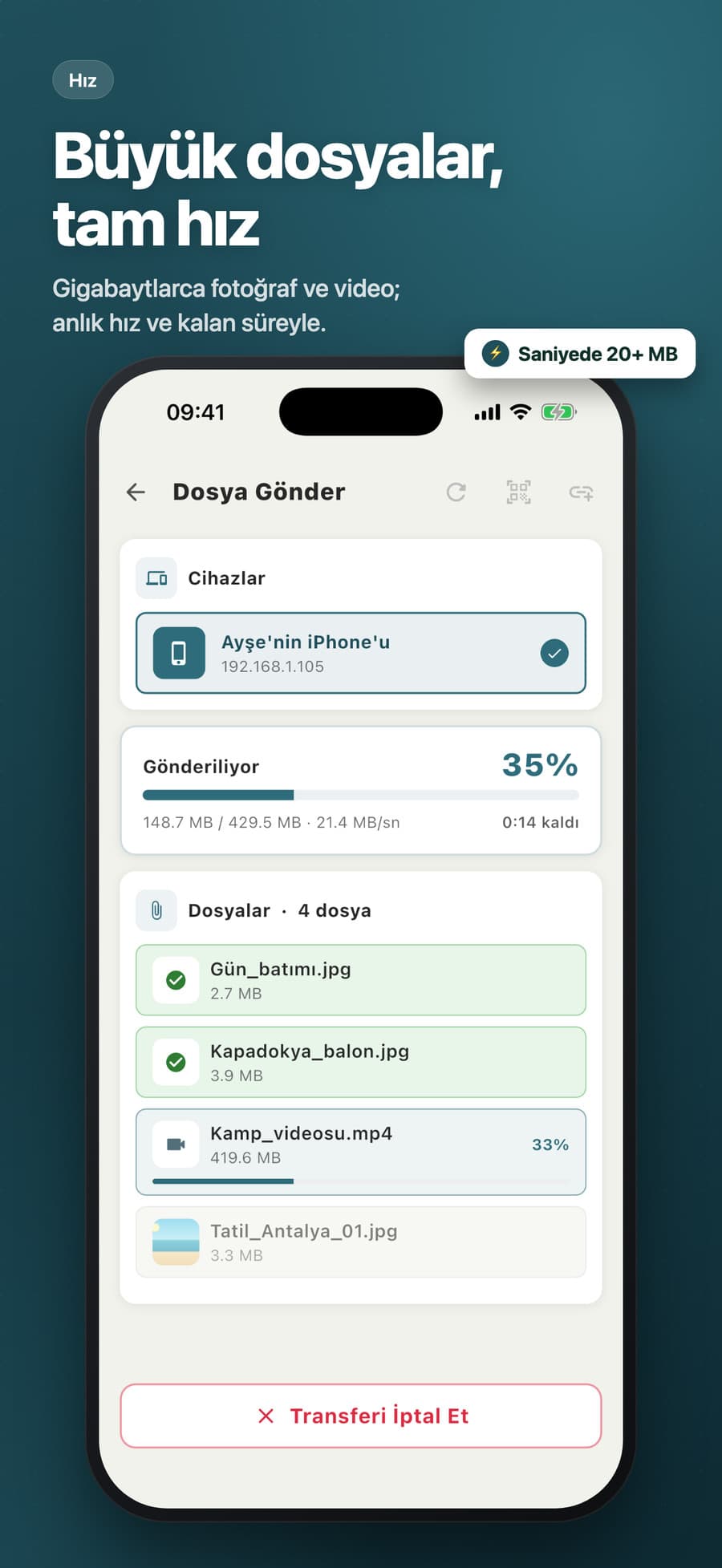
Files are written straight to disk, each one is acknowledged, and the transfer is saved to history.
## features
Offline transfer
Works on the same Wi-Fi or a phone hotspot, with no cable or account.
Auto discovery
Bonjour/NSD plus a subnet scan lists nearby devices.
Connect via QR
Scan the receiver’s QR code instead of typing an IP.
Receiver approval
Every transfer needs the receiver’s consent; busy and timeout cases are handled separately.
Large files
Multi-GB videos are streamed without buffering in memory, with live speed and ETA.
iPhone ↔ Android
Works cross-platform, and sent or received files open from history in one tap.
## screens
## technical details
tech stack
challenge
Reliable discovery when mDNS is blocked on some networks or hotspots.
solution
The service is advertised and browsed over Bonjour. In parallel, the local /24 subnet is swept with 48 concurrent workers and only hosts that answer with a valid “pong” are listed.
challenge
Keeping raw bytes from corrupting the protocol, and handling interrupted transfers.
solution
A custom TCP protocol: newline-delimited JSON control messages and length-prefixed raw file bytes. Files are written as .part and renamed on completion, and deleted if the connection drops.
challenge
Platform quirks: non-ASCII device names on iOS, files missing from the Android gallery, the screen sleeping mid-transfer.
solution
Only an ASCII ID is advertised over Bonjour and the display name comes from the ping reply. A platform channel triggers an Android media scan, and the screen stays awake during transfers.